Introduction to Autodesk Construction Cloud
Autodesk Construction Cloud is built to connect people, information, and processes throughout every stage of a construction project. From the earliest planning and design work through on-site delivery and final handover, it offers a single, shared space where project data can be updated and accessed instantly. Contractors, consultants, project managers, and owners rely on the platform to improve coordination, strengthen collaboration, and maintain more transparent oversight of complex builds as they progress.
What Is Autodesk Construction Cloud?
Autodesk Construction Cloud functions as an integrated ecosystem rather than a standalone application. It brings together tools for project oversight, document management, model coordination, cost control, and on-site collaboration within a single platform. Establishing a shared source of project information allows everyone involved to work from the most current data. This connected approach helps minimise mistakes, strengthens accountability, and enables teams to make clearer, more informed decisions at every stage of a project.
Autodesk Construction Cloud Login
Autodesk Construction Cloud is accessed through an Autodesk account, which serves as the entry point to projects and tools across the platform. After signing in, users can collaborate with their teams, review project information, and use features based on their assigned permissions. The system is designed to operate as smoothly for office staff as for site teams, with access available on desktops, tablets, and mobile devices. Because everything runs in the cloud, updates made by one person are immediately visible to others, helping everyone stay aligned with the most current information.
Autodesk Construction Cloud Logo and Brand Identity
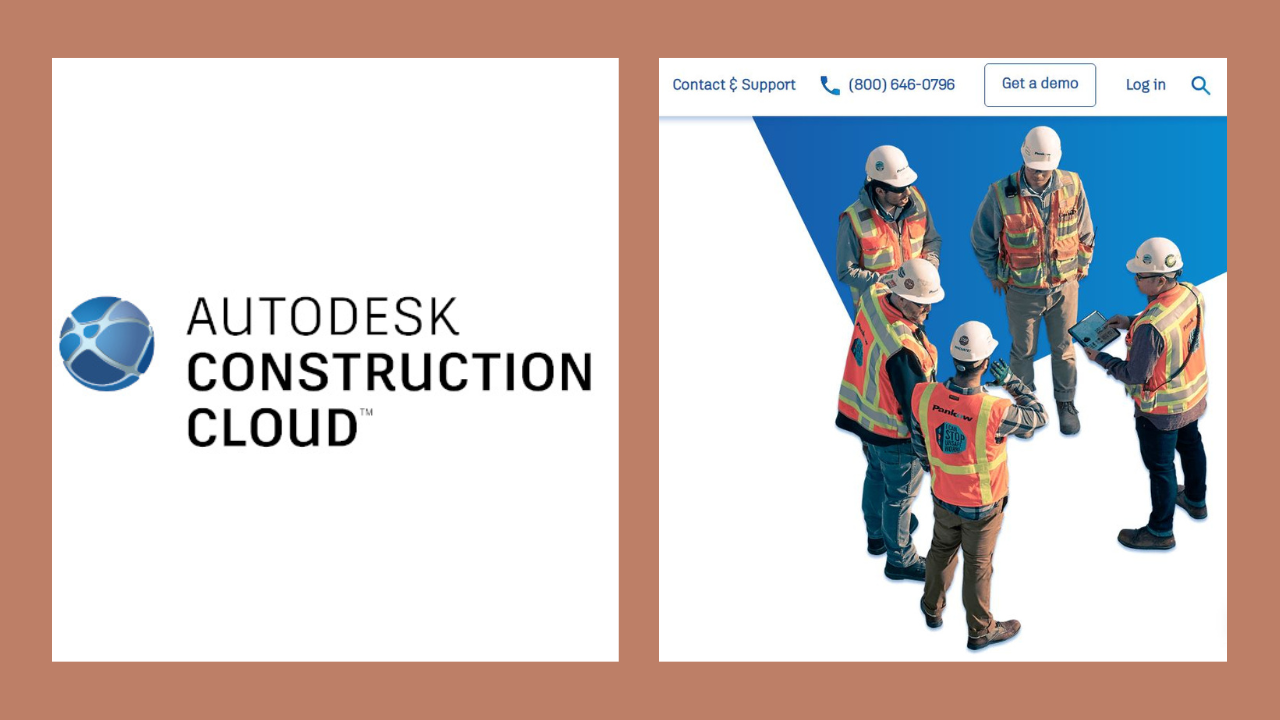
The Autodesk Construction Cloud logo is consistent with Autodesk’s wider visual identity, emphasising simplicity, innovation, and trust. Its design fits seamlessly alongside other Autodesk products, making the platform easy to recognise within the broader construction and design landscape. The branding reflects ideas of connectivity and collaboration, underscoring the platform’s purpose as a modern digital solution that streamlines construction management.
Autodesk Construction Cloud in the UK
Autodesk Construction Cloud is widely available across the UK and has been adopted on a broad range of projects, including commercial, residential, infrastructure, and industrial developments. Many UK firms use the platform to manage compliance, improve coordination, and strengthen collaboration on projects involving multiple stakeholders and stringent regulatory requirements. At the same time, it aligns with local construction practices while remaining flexible enough to support large, multi-site schemes and long-term infrastructure programmes.
Core Features and Benefits
Autodesk Construction Cloud brings together a set of features designed to improve efficiency and visibility across projects. Centralising documents reduces the risk of teams working from duplicate files or outdated drawings. Project management tools make it easier to monitor tasks, issues, and progress as work unfolds, while model coordination supports smoother collaboration between design and construction teams. In addition, cost and quality features help teams stay on top of budgets, changes, and site inspections, creating a more connected workflow that lowers risk and supports stronger project outcomes.
Autodesk Construction Cloud Pricing Overview
Autodesk Construction Cloud uses a subscription-based pricing model designed to be flexible rather than one-size-fits-all. Costs can vary based on the tools a company chooses, the number of users who need access, and the extent of platform use. Organisations can subscribe to individual products or opt for bundled solutions that span several phases of the construction process. This structure makes it easier for teams to align spending with project scale and operational needs, without paying for features they do not require.
Factors That Influence Pricing
Several key factors shape the cost of Autodesk Construction Cloud. Pricing varies based on the number of users who need access, the selected tools, and whether subscriptions are purchased separately or bundled. The length of the subscription also plays a role, as longer commitments often come with better overall value. Since every organisation has different needs and project requirements, pricing is usually customised rather than fixed.
Autodesk Construction Cloud App
The Autodesk Construction Cloud mobile app brings core platform features directly to smartphones and tablets, making it easier for teams to work while on the move. Field staff can view drawings, documents, schedules, and open issues straight from the job site, without relying on printed materials or office access. The app also allows users to record updates, take photos, mark up plans, and communicate instantly with office teams. This level of mobility helps teams respond faster, reduce delays, and ensure accurate information flows between the site and the office.
Integration with Other Autodesk Tools
One of the standout advantages of Autodesk Construction Cloud is its seamless integration with other Autodesk tools used throughout design and engineering. Data created during the design stage can flow directly into construction workflows, reducing the risk of information fragmentation or misalignment. By keeping teams connected to the same data as the project progresses, this integrated approach helps smooth transitions between phases and strengthens coordination between design and construction teams.
Autodesk Construction Cloud Trial
Autodesk Construction Cloud offers free trials for select products, allowing organisations to explore how the tools work before making a financial commitment. These trials typically include access to core features, enabling teams to experiment with collaboration, document control, and project tracking in real-world scenarios. This hands-on experience helps teams better understand how the platform fits into their existing workflows.
Getting Started with a Free Trial
To begin a trial, users sign in with an Autodesk account, choose the product they want to explore, and invite colleagues to join the trial project. This practical, hands-on approach allows organisations to see how the platform works within their own processes and project setups. By testing it with real project data, teams can make more confident and informed decisions about whether the solution is right for them.
Use Cases Across the Construction Industry
Autodesk Construction Cloud is especially well-suited for complex projects where multiple teams and disciplines need to collaborate across various locations. It helps improve communication, strengthens risk management, and makes responsibilities clearer throughout a project’s lifecycle. By serving as a single, reliable source of project information, the platform reduces rework, streamlines change management, and enables teams to deliver projects more efficiently.
Conclusion
Autodesk Construction Cloud delivers an end-to-end, cloud-based approach to managing construction projects at every stage. Secure access, a fully functional mobile app, flexible pricing options, and free trials make it accessible to organisations of varying sizes and needs. By prioritising connected data, open collaboration, and clear visibility, the platform helps modern construction teams work more efficiently, minimise risk, and achieve stronger overall project results.
Read More: NewsDetects.

Add a Comment